
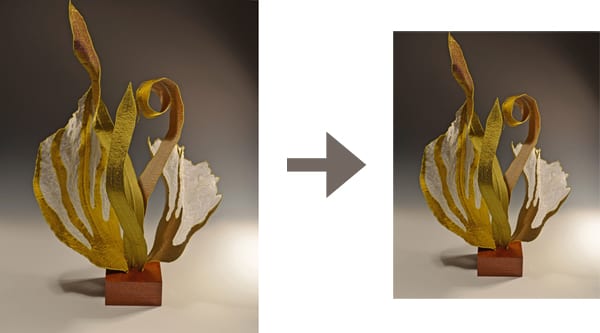
Shows that ask you to submit images of your artwork online or on CD will also usually have strict rules about how to size and format those images. For example, The Art League’s upcoming ceramics show “Tabletop” is digital entry only: “Images must be in jpeg format, 300 dpi, and no larger than 2100 pixels at the largest dimension. All files must be labeled with artist’s first initial and last name followed by entry number (e.smith01).”
If rules like those leave you stumped, here are some easy tools to help you:
1. How to resize: Whether you use a PC or a Mac, there is built-in software you can use for this. Details on resizing using Preview (Mac) and Paint (PC) are in this blog post. For the example above, you’d want to set the resolution to 300 pixels per inch (300 dpi), and then, if one of the dimensions is larger than 2100 pixels, reduce that dimension (the other one will change proportionally to keep from distorting the image).
There’s also a free online tool, picresize.com, that lets you crop, rotate, and resize your images online. Use “custom size” in step 2 to choose the number of pixels — again, change only the width or the height, not both, to keep from distorting the image. At the bottom of the page, choose JPG from the Save As menu. This website also has a batch resize tool to resize many images at once.
2. How to rename: Continue reading How to Resize Your Art Images to Enter Shows